Freelancing क्या है? घर बैठे पैसे कमाने का आसान तरीका 2025 Guide
अगर आप घर बैठे पैसे कमाना चाहते हैं, तो Freelancing आपके लिए एक बेहतरीन ऑप्शन हो सकता है। आज के डिजिटल युग में लाखों लोग Freelancing करके अच्छी इनकम कर रहे हैं। चाहे आप स्टूडेंट, हाउसवाइफ, या फुल-टाइम जॉब करने वाले हों, Freelancing से आप एक्स्ट्रा इनकम या फुल-टाइम करियर बना सकते हैं। इस ब्लॉग में हम जानेंगे:✅ Freelancing क्या है?✅ Freelancing से पैसे कैसे कमाएँ?✅ टॉप Freelancing Skills जिनकी मार्केट में डिमांड है✅ Freelancing शुरू करने के लिए बेस्ट प्लेटफॉर्म✅ Freelancing में सफल होने के टिप्स 1. Freelancing क्या है? (What is Freelancing in Hindi?) Freelancing का मतलब है स्वतंत्र रूप से काम करना। Freelancer किसी एक कंपनी के लिए काम करने की बजाय अलग-अलग क्लाइंट्स के प्रोजेक्ट्स पर काम करता है। आप अपने स्किल्स के हिसाब से काम चुन सकते हैं और घर बैठे पैसे कमा सकते हैं। Freelancing के फायदे: 2. Freelancing से पैसे कैसे कमाएँ? (How to Earn Money from Freelancing?) Freelancing शुरू करने के लिए आपको 3 चीजों की जरूरत होती है: 1. स्किल डेवलप करें (Learn a High-Demand Skill) Freelancing में सफल होने के लिए आपके पास कोई डिमांडिंग स्किल होनी चाहिए। जैसे: 2. Freelancing प्रोफाइल बनाएँ (Create a Strong Profile) 3. प्रोजेक्ट्स ढूँढें और बोली लगाएँ (Bid on Projects) 3. Freelancing के लिए बेस्ट प्लेटफॉर्म (Top Freelancing Websites in Hindi) प्लेटफॉर्म विशेषता लिंक Fiverr गिग बेस्ड प्रोजेक्ट्स www.fiverr.com Upwork हाई-पेइंग जॉब्स www.upwork.com Freelancer बिडिंग सिस्टम www.freelancer.com PeoplePerHour यूरोपियन क्लाइंट्स www.peopleperhour.com Toptal टॉप लेवल फ्रीलांसर्स के लिए www.toptal.com 4. Freelancing में सफल होने के 5 गोल्डन टिप्स निष्कर्ष: Freelancing से करोड़पति बनना संभव है! Freelancing आज के समय में सबसे तेजी से बढ़ता करियर ऑप्शन है। अगर आप मेहनत और लगन से काम करेंगे, तो घर बैठे लाखों रुपये कमा सकते हैं। शुरुआत में थोड़ी मुश्किलें आएँगी, लेकिन कंसिस्टेंसी और पेशन के साथ आप जरूर सफल होंगे! आज ही Freelancing शुरू करें और Financial Freedom पाएँ! अक्सर पूछे जाने वाले सवाल (FAQs) Q1. क्या बिना स्किल के Freelancing शुरू कर सकते हैं?👉 नहीं, पहले कोई स्किल सीखें (जैसे Graphic Design, Writing, SEO)। Q2. Freelancing से महीने में कितना कमा सकते हैं?👉 शुरुआत में 10-20K, एक्सपीरियंस के बाद 50K-1L+ प्रति महीना। Q3. क्या Freelancing के लिए डिग्री जरूरी है?👉 नहीं! स्किल्स और एक्सपीरियंस मायने रखता है। अगर आपको यह ब्लॉग पसंद आया, तो शेयर जरूर करें! 🚀 #Freelancing #WorkFromHome #OnlineEarning #FreelancingInHindi #GharBaithePaisaKamaye
The 3 Best AI Image Generators to Unleash Your Creativity
3 Best AI Image Generators Artificial Intelligence has revolutionized countless industries, and one of the most exciting advancements is in the field of image generation. Whether you’re an artist seeking inspiration, a marketer looking for unique visuals, or simply someone who loves experimenting with creative tools, AI-powered image generators have something for everyone. In this article, we’ll explore the three best AI image generator websites that are making waves in 2023. 1. MidJourney Caption: The sleek and intuitive interface of MidJourney makes it easy to generate stunning visuals. Why It Stands Out: MidJourney is a favorite among creatives for its ability to produce highly detailed, artistic, and surreal images. Using a simple text-based prompt system, users can describe their vision, and MidJourney will generate breathtaking visuals in minutes. Its strength lies in its versatility—whether you’re looking for photorealistic portraits, dreamlike landscapes, or abstract art, MidJourney delivers consistent quality. Key Features: Best For: Artists, designers, and anyone who wants to experiment with imaginative and high-quality visuals. 2. DALL·E 2 Caption: DALL·E 2 creates highly realistic images based on user prompts. Why It Stands Out: Developed by OpenAI, DALL·E 2 is renowned for its ability to generate photorealistic images with incredible detail. It’s perfect for creating visuals that look like they were taken by a professional photographer or designed by a skilled artist. What sets DALL·E 2 apart is its advanced understanding of complex prompts, allowing users to create highly specific compositions. Key Features: Best For: Marketers, content creators, and professionals who need polished, realistic visuals. 3. Stable Diffusion Caption: Stable Diffusion offers unparalleled flexibility for generating diverse artwork. Why It Stands Out: Stable Diffusion is an open-source AI model that has gained immense popularity for its accessibility and flexibility. Unlike some proprietary platforms, Stable Diffusion allows users to run the software locally on their own hardware, giving them full control over the creative process. It’s ideal for tech-savvy individuals who want to experiment with AI-generated art without limitations. Key Features: Best For: Developers, hobbyists, and anyone who values customization and control over their creative tools. Final Thoughts AI image generators are transforming the way we create and interact with visual content. Whether you choose MidJourney for its artistic flair, DALL·E 2 for its photorealistic precision, or Stable Diffusion for its flexibility, these tools offer endless possibilities for creativity. Which platform will you try first? Share your thoughts and creations in the comments below!
important setting for video editor
Mastering Video Editing: Essential Tips and Tricks for Beginners
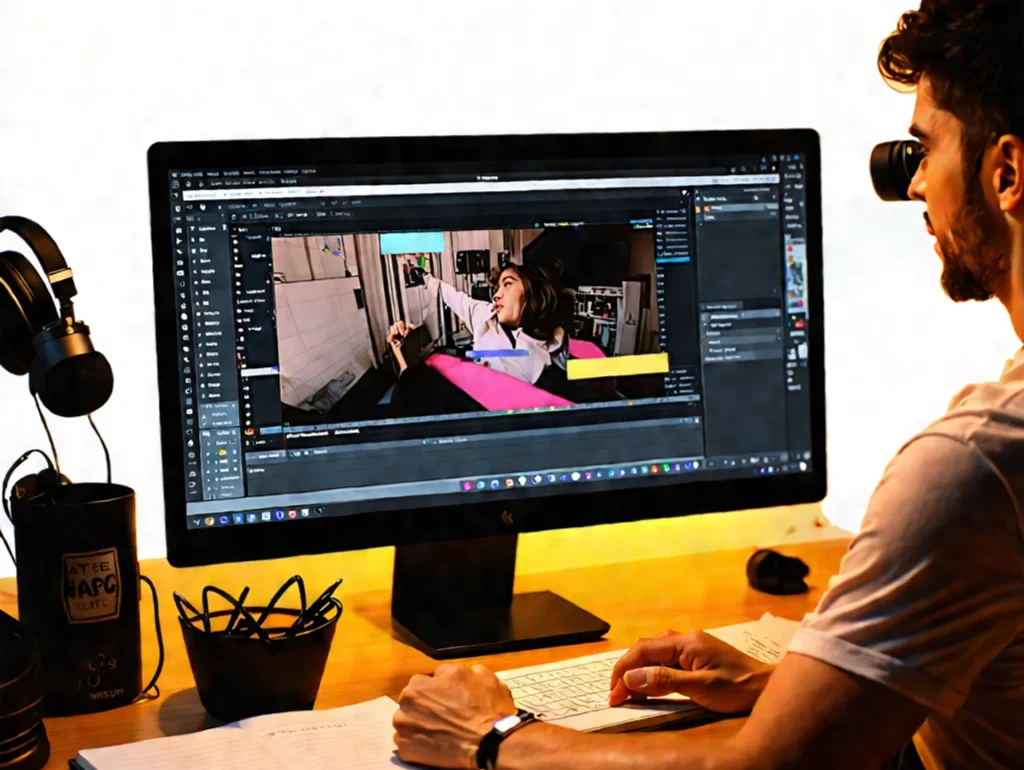
A Video editing can seem daunting at first, but with the right tips and tricks, you can transform your raw footage into a polished masterpiece. Whether you’re creating content for social media, a personal project, or a professional endeavor, understanding the basics of video editing is crucial. In this article, we’ll explore essential techniques, tools, and creative strategies to help you elevate your video editing skills. Understanding the Basics of Video Editing beginner video editing techniques, Before diving into the nitty-gritty of video editing, it’s important to grasp the fundamental concepts. Video editing involves manipulating and rearranging video footage to create a new work. This process can include cutting scenes, adding effects, and incorporating audio. Key Terminology Understanding these terms will help you navigate your editing software more effectively. Choosing the Right Software Selecting the right video editing software is crucial for your editing journey. There are various options available, ranging from beginner-friendly to professional-grade tools. Popular Video Editing Software Video editing software recommendations for beginners Tip: Start with free or trial versions of software to find what suits your style before committing to a purchase. Essential Video Editing Techniques Once you have your software set up, it’s time to dive into some essential editing techniques that can enhance your videos. 1. Cutting and Trimming Cutting and trimming are fundamental skills every editor should master. Here’s how to do it effectively: 2. Adding Transitions Transitions can help your video flow better. Here are some common types: 3. Incorporating Text and Titles Adding text can provide context and enhance your video. Consider these tips: Enhancing Your Video with Audio Audio is just as important as visuals in video editing. Here’s how to make your audio stand out: 1. Background Music 2. Sound Effects 3. Voiceovers Color Correction and Grading Color correction and grading can dramatically change the look of your video. Here’s how to approach it: 1. Basic Color Correction 2. Creative Color Grading Exporting Your Final Video After editing, it’s time to export your video. Here are some tips for a successful export: Conclusion Video editing is a skill that takes time and practice to master, but with these tips and tricks, you’re well on your way to creating stunning videos. Remember to experiment with different techniques, and don’t be afraid to make mistakes—they’re part of the learning process. Takeaway: Start small, keep learning, and most importantly, have fun with your editing journey! If you found this article helpful, consider sharing it with fellow aspiring video editors or leave a comment below with your favorite editing tips! Happy editing!
Top 10 AI Apps Revolutionizing the Digital World in 2025