

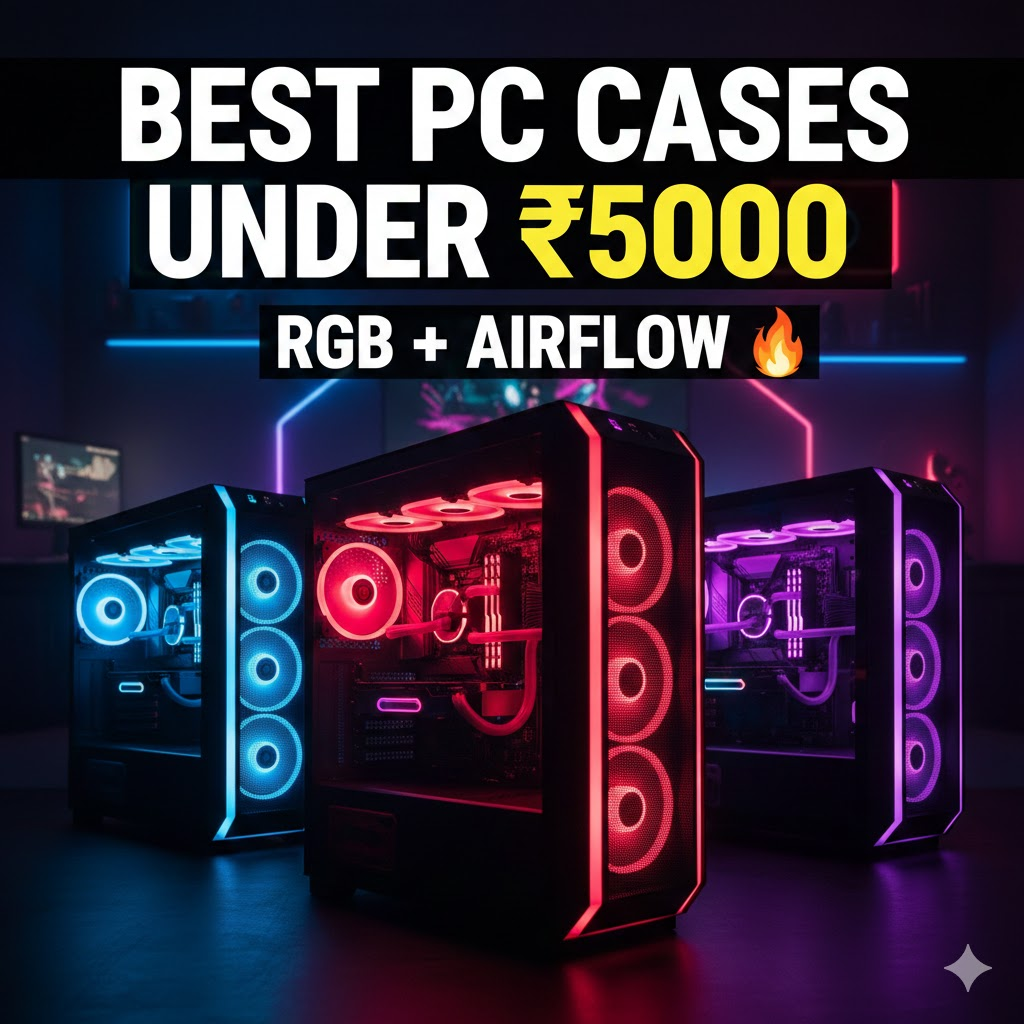
1. Introduction
When planning a gaming PC build, most of us focus on the processor (CPU) and graphics card (GPU) first. But did you know that your expensive components’ safety and performance directly depend on your cabinet or case? A good gaming cabinet isn’t just a box—it’s the ‘home’ for your system. It determines how cool your components will run (especially in India’s heat), how easy upgrades will be, and how stunning your setup will look on your desk. For those on a budget, finding the best pc cabinet under 5k can significantly enhance your overall PC experience.
For budget builders, the ₹5000 price point is a sweet spot. Below this price, you often get cabinets with weak build quality and poor airflow. Above this range, features might increase, but it can be overkill for a budget build. A ₹5000 budget gives you a balance where you can get good airflow, attractive RGB lighting, and solid build quality all together. Let’s explore how to choose your next gaming case in this budget and which options are currently best in the market—all available on Amazon India, including the best pc cabinet under 5k.
2. Important Buying Guide (Before the List)
Before you hit that buy button, understanding some basics will ensure your money is well spent:
1. Importance of Airflow
This is the most crucial factor. A case’s job is to push hot air out and bring cool air in. In Indian summers, a cabinet with poor airflow can cause your CPU and GPU to suffer from thermal throttling, leading to performance drops and lag during gaming. Always choose a case with a mesh front panel or perforated design, not a completely sealed acrylic or glass one .
2. Cabinet Size (ATX vs mATX)
You need to decide what size your motherboard is:
- ATX: This is the standard size. If you have or plan to get an ATX motherboard, you need a mid-tower ATX case.
- mATX / Mini-ITX: These are smaller motherboards. Compact cases are available for them, saving space and often being cheaper. However, cable management and airflow can be trickier in smaller cabinets .
3. The RGB vs Airflow Debate
Beautiful-looking cases often come with glass or plastic front panels that severely block airflow. RGB lighting looks great, but if you compromise on airflow for it, your expensive components will heat up quickly. The ideal situation is to get a mesh front panel case that comes with pre-installed RGB fans .
4. Build Quality
The thickness of the case steel (usually 0.5mm to 0.7mm) determines its durability. Good quality cases reduce vibration and last longer. Look for terms like “SECC steel” in specifications.
5. Cable Management
There should be enough space behind the motherboard tray to route cables. This improves airflow inside the case and keeps the build looking clean and professional.
Best Gaming PC Cases Under ₹5000 in India (2026) – Budget RGB Cabinet Guide
1. IntroductionWhen planning a gaming PC build, most of us focus on the processor (CPU) and graphics card (GPU) first….

Apple iPhone 18 Pro Max 2026: भविष्य का स्मार्टफोन आज की चर्चा
दुनिया भर के टेक एन्थूजियस्ट और एप्पल फैंस के लिए हर साल सितंबर का महीना एक त्यौहार की तरह होता…
Premiere Pro vs DaVinci Resolve – कौन सा Software Best है? (2026 Full Comparison Guide)
Introduction: Video Editing Software क्यों जरूरी हैं? Premiere Pro vs DaVinci Resolve Hindiआज के समय में वीडियो सिर्फ entertainment तक…
₹1 Lakh में Best Video Editing PC Build (India 2026) – 4K Editing Ready Setup
आज के समय में video editing सिर्फ एक skill नहीं, बल्कि एक career option बन चुका है। YouTube creators, Instagram…

Small Business Ideas with Government Support/Loans in India 2026 (Low Investment, High Profit)
🔶 Introductionभारत में 2026 वह साल है जब small businesses का growth curve लगातार ऊपर जा रहा है। Digital India,…

Best Small Business Ideas in India 2026 (Low Investment, High Profit)
भारत 2026 में एक ऐसे दौर में प्रवेश कर रहा है जहां छोटे व्यवसाय (Small Businesses) देश की आर्थिक रीढ़…
Best Gaming PC Cases Under ₹5000 in India (2026) –
1. IntroductionWhen planning a gaming PC build, most of us focus on the processor (CPU) and graphics card (GPU) first….
Apple iPhone 18 Pro Max 2026: भविष्य का स्मार्टफोन आज
दुनिया भर के टेक एन्थूजियस्ट और एप्पल फैंस के लिए हर साल सितंबर का महीना एक त्यौहार की तरह होता…
Premiere Pro vs DaVinci Resolve – कौन सा Software Best
Introduction: Video Editing Software क्यों जरूरी हैं? Premiere Pro vs DaVinci Resolve Hindiआज के समय में वीडियो सिर्फ entertainment तक…
₹1 Lakh में Best Video Editing PC Build (India 2026)
आज के समय में video editing सिर्फ एक skill नहीं, बल्कि एक career option बन चुका है। YouTube creators, Instagram…
Small Business Ideas with Government Support/Loans in India 2026 (Low
🔶 Introductionभारत में 2026 वह साल है जब small businesses का growth curve लगातार ऊपर जा रहा है। Digital India,…
Best Small Business Ideas in India 2026 (Low Investment, High
भारत 2026 में एक ऐसे दौर में प्रवेश कर रहा है जहां छोटे व्यवसाय (Small Businesses) देश की आर्थिक रीढ़…
3. Top Gaming PC Cases Under ₹5000 (India 2026)
Here are 7 excellent cases currently available on Amazon India that offer the best value in this budget:
A perfect all-rounder case. Its standout feature is the massive GPU clearance. If you have a large graphics card, this case will easily accommodate it.
- Price Range: Approximately ₹3,799
- Key Features: 4 pre-installed fans (3 RGB + 1 non-RGB), 410mm GPU support, 360mm radiator support, tempered glass side panel, 0.6mm thick steel build .
- Pros: Excellent airflow, fits very large GPUs, amazing value for the price, solid build quality.
- Cons: Cable management space is slightly limited.
- Best For: Budget builds with high-end, long graphics cards.
- Amazon Link: Available on Amazon India
2. GALAX Revolution-06 (White)
If you’re a fan of the white color and want a minimalist look, this case is for you. The hinged magnetic glass door makes it unique in this segment.
- Price Range: Approximately ₹3,921
- Key Features: 4 pre-installed RGB fans, hinged magnetic tempered glass door, mesh front panel, white color variant, supports up to 330mm GPU .
- Pros: Visually stunning design, easy-access glass door, very competitive price, clean aesthetic.
- Cons: Limited GPU length (330mm), average cable management .
- Best For: White theme aesthetic builds and those who want a unique door mechanism.
- Amazon Link: Available on Amazon India
This case is for those who want full RGB control via motherboard sync. It comes with a 3-pin ARGB header, which is rare in this price segment.
- Price Range: Approximately ₹4,000
- Key Features: 3 ARGB front fans + 1 rear fan, 350mm GPU support, magnetic dust filter on top, 162mm CPU cooler clearance, 3-pin ARGB header for motherboard control .
- Pros: ARGB fans can be controlled by motherboard software, magnetic dust filter, good airflow potential.
- Cons: Build quality is decent but not premium.
- Best For: Enthusiasts who want full RGB control through software.
- Amazon Link: Available on Amazon India
If your budget stretches to around ₹5000, this is currently one of the best value-for-money options on the market. The highlight is the USB Type-C port, which is usually found on much more expensive cases .
- Price Range: Approximately ₹4,499
- Key Features: 4 pre-installed 120mm ARGB PWM fans (speed controllable), USB 3.2 Gen 2 Type-C port, compact ATX design, 320mm GPU support, supports up to 175mm CPU cooler height .
- Pros: Premium build quality, PWM fans for speed control, modern Type-C port on front I/O, excellent airflow with slim mesh design.
- Cons: Price is on the higher side of the budget.
- Best For: Modern builds requiring Type-C connectivity and superior cooling performance.
- Amazon Link: Available on Amazon India
This MSI case offers excellent build quality and the trusted MAG series pedigree. The front is fully mesh, allowing unrestricted airflow into the case.
- Price Range: Approximately ₹4,109
- Key Features: 4 pre-installed 120mm Auto-ARGB fans, full mesh front panel, 330mm GPU support, 160mm CPU cooler support, magnetic dust filter on top, 4mm tempered glass side panel .
- Pros: Exceptional airflow due to full mesh front, solid MSI build quality, good cable management options, trusted brand.
- Cons: Might occasionally go slightly above ₹5000 depending on seller.
- Best For: Users who prioritize thermal performance above everything else.
- Amazon Link: Available on Amazon India (Amazon’s Choice product)
6. Ant Esports Crystal X6
Want a combination of both RGB and airflow? The Crystal X6 offers this with its dual front panel option (mesh and glass) that you can swap based on your needs.
- Price Range: Approximately ₹4,800 – ₹5,200
- Key Features: 6 pre-installed infinity mirror ARGB fans, 420mm GPU clearance, dual front panels (mesh + glass), mid-tower design.
- Pros: Maximum number of fans in this budget, stunning RGB effects with infinity mirrors, excellent GPU clearance, you can choose between mesh or glass front.
- Cons: With 6 fans, it can be slightly noisy, price touches the upper limit of the budget.
- Best For: Hardcore RGB lovers who also want the option for good airflow.
- Amazon Link: Available on Amazon India
Want maximum RGB at the lowest price? This case is for you. With 4 pre-installed fans, you don’t need to buy additional fans separately.
- Price Range: Approximately ₹3,200 – ₹3,500
- Key Features: 4 pre-installed 120mm ARGB fans, tempered glass side panel, mid-tower ATX support.
- Pros: Four RGB fans at an extremely low price point, lighting is vibrant, easy for first-time builders.
- Cons: Build quality is average, cable management space is limited, airflow isn’t as good as mesh front cases.
- Best For: Tightest budgets where maximum RGB is the priority.
- Amazon Link: Available on Amazon India
4. Best Picks by Category
- Best Airflow Cabinet:
- COUGAR Air Face Pure Pro (For Type-C and PWM fans)
- MSI MAG Forge 130A (For full mesh front panel)
- Ant Esports ICE-300TG (For large GPU support with good airflow)
- Best RGB Cabinet:
- GALAX Revolution-06 (For unique white design and hinged glass door)
- Ant Esports Crystal X6 (For maximum 6 fans and infinity mirror effect)
- Frontech Arcadia FT-4343 (For cheapest all-RGB package)
- Best Budget Value:
- Ant Esports ICE-300TG (Perfect balance of price and features)
- MSI MAG Forge 130A (Brand value with excellent performance)
5. ATX vs Micro-ATX Case – Which Should You Choose?
This is a common confusion among first-time builders:
Choose an ATX Mid-Tower if:
- You have or plan to buy an ATX motherboard.
- You want maximum expansion slots (for adding capture cards, Wi-Fi cards, etc.).
- You prefer easier cable management and more space to work.
- You want better airflow potential with more fan mounting options.
- Most cases in the ₹5000 segment are ATX mid-towers, offering the best value .
Choose a Micro-ATX Case if:
- You have a smaller desk space and want a compact setup.
- You’re building on a strict budget (mATX motherboards are cheaper).
- You don’t need multiple GPU slots or extensive expansion.
- You prefer a lightweight, portable build .
Verdict: For most first-time builders, an ATX mid-tower case is recommended as it offers the best balance of space, airflow, and future upgrade options .
6. Airflow Tips for Budget Cabinets
Even with a good cabinet, proper fan placement matters:
- Fan Placement Basics:
- Front: Intake (pull cool air in). All cabinets mentioned have fans here.
- Rear: Exhaust (push hot air out). All cabinets have this.
- Top: Exhaust (heat rises naturally). Optional in many budget cases but highly recommended to install fans here if your case supports it .
- Mesh Front Importance:
A mesh front panel acts like a sieve—it lets air pass through while trapping dust (if a filter is present). Cases with solid glass fronts look pretty but choke your components. Always prioritize mesh . - Positive Pressure Concept:
This means having more intake fans than exhaust fans. This pushes air out through every tiny gap in the case, preventing dust from settling inside. For example, if you have 3 front intake fans and 1 rear exhaust, you have positive pressure. - Dust Filters are Your Friends:
India is dusty. Cases with magnetic dust filters on the top and bottom (like the Chiptronex HX1000 or MSI MAG Forge) are much easier to clean . Clean these filters every month with a vacuum or brush.
7. Mistakes to Avoid
- Buying Only for RGB: Don’t pick a case just because it looks pretty in pictures. Check if the front panel allows airflow. A hot PC will reduce the lifespan of your components.
- Ignoring PSU Shroud: A PSU shroud is a cover that hides the power supply and cables at the bottom. It makes the build look incredibly clean. All cases in our list have this, but if you look below ₹3000, many don’t.
- No Front Mesh: Avoid cases with completely sealed front panels. They are ovens for your components.
- Ignoring GPU Length: Always check the maximum GPU length supported. High-end cards like the RTX 4070 or RX 7800 XT can be very long. The Ant Esports ICE-300TG is a champion here with 410mm support .
- Forgetting Cable Management Space: Check if the case has at least 15-20mm space behind the motherboard tray for routing cables.
8. Frequently Asked Questions (FAQs)
1. Is a ₹5000 cabinet good for gaming?
Absolutely. In 2026, the ₹4000-5000 segment offers excellent features like mesh front panels, tempered glass, 3-4 pre-installed RGB fans, and good build quality. It’s the ideal budget range for a gaming PC .
2. How many fans are enough for a gaming PC?
At minimum, you need 2 fans (one intake, one exhaust). However, with 3 intake and 1 exhaust (like most cases here), you get excellent airflow and positive pressure, which is ideal for gaming .
3. Tempered glass vs acrylic – which is better?
Tempered glass is always better. It doesn’t scratch easily and looks premium. Acrylic gets scratched just by wiping dust off. All cases recommended here have tempered glass side panels.
4. Does a cheap cabinet affect performance?
Indirectly, yes. If a cabinet has poor airflow, your CPU and GPU will get hotter. To protect themselves, they will reduce their speed (thermal throttle), which lowers your FPS in games. A good cabinet prevents this.
5. Will an ATX case fit a Micro-ATX motherboard?
Yes, absolutely. ATX cases are backwards compatible. You can easily fit a smaller mATX or Mini-ITX motherboard inside an ATX case. It might look a bit empty, but it works perfectly .
6. What is the difference between RGB and ARGB?
- RGB (Non-Addressable): All LEDs show the same color at the same time. You can change the color, but not create patterns.
- ARGB (Addressable RGB): Each LED can be controlled individually, allowing rainbow effects, color cycling, and complex patterns. Cases like the Chiptronex HX1000 and COUGAR Air Face Pure Pro support ARGB .
7. Do I need to buy additional fans?
No. All the cases listed in this guide come with pre-installed fans (between 3 to 6 fans). You can start gaming right away without buying extra fans.
8. How important is a USB Type-C port on the cabinet?
It’s becoming increasingly important. Modern motherboards and phones use Type-C. If you want your cabinet to be future-ready for the next 3-4 years, the COUGAR Air Face Pure Pro is the only case in this budget offering a front Type-C port .
9. Final Verdict
Building a gaming PC on a budget doesn’t mean compromising on style or cooling. The Indian market in 2026 is flooded with excellent options under ₹5000 that were unthinkable just a few years ago.
If you want our top recommendations based on different needs:
- For the Best All-Rounder: Go with the Ant Esports ICE-300TG. It offers massive GPU support, 4 fans, and solid build quality at a great price .
- For the Best Airflow & Future-Proofing: Pick the COUGAR Air Face Pure Pro. The inclusion of a Type-C port and PWM fans makes it worth the extra spend .
- For the Best Brand Value: Choose the MSI MAG Forge 130A. MSI’s reputation and the full mesh front panel ensure your expensive components stay cool .
- For the Best RGB Show: The Ant Esports Crystal X6 with its 6 infinity mirror fans will be the centerpiece of your room.
Whichever you choose, make sure it has a mesh front, tempered glass, and fits your hardware. Happy building!
Best Gaming PC Cases Under ₹5000 in India (2026) –
1. IntroductionWhen planning a gaming PC build, most of us focus on the processor (CPU) and graphics card (GPU) first….
Apple iPhone 18 Pro Max 2026: भविष्य का स्मार्टफोन आज
दुनिया भर के टेक एन्थूजियस्ट और एप्पल फैंस के लिए हर साल सितंबर का महीना एक त्यौहार की तरह होता…
Premiere Pro vs DaVinci Resolve – कौन सा Software Best
Introduction: Video Editing Software क्यों जरूरी हैं? Premiere Pro vs DaVinci Resolve Hindiआज के समय में वीडियो सिर्फ entertainment तक…
₹1 Lakh में Best Video Editing PC Build (India 2026)
आज के समय में video editing सिर्फ एक skill नहीं, बल्कि एक career option बन चुका है। YouTube creators, Instagram…
Small Business Ideas with Government Support/Loans in India 2026 (Low
🔶 Introductionभारत में 2026 वह साल है जब small businesses का growth curve लगातार ऊपर जा रहा है। Digital India,…
Best Small Business Ideas in India 2026 (Low Investment, High
भारत 2026 में एक ऐसे दौर में प्रवेश कर रहा है जहां छोटे व्यवसाय (Small Businesses) देश की आर्थिक रीढ़…
Best PC Cabinet Under 5K: Why It Matters