

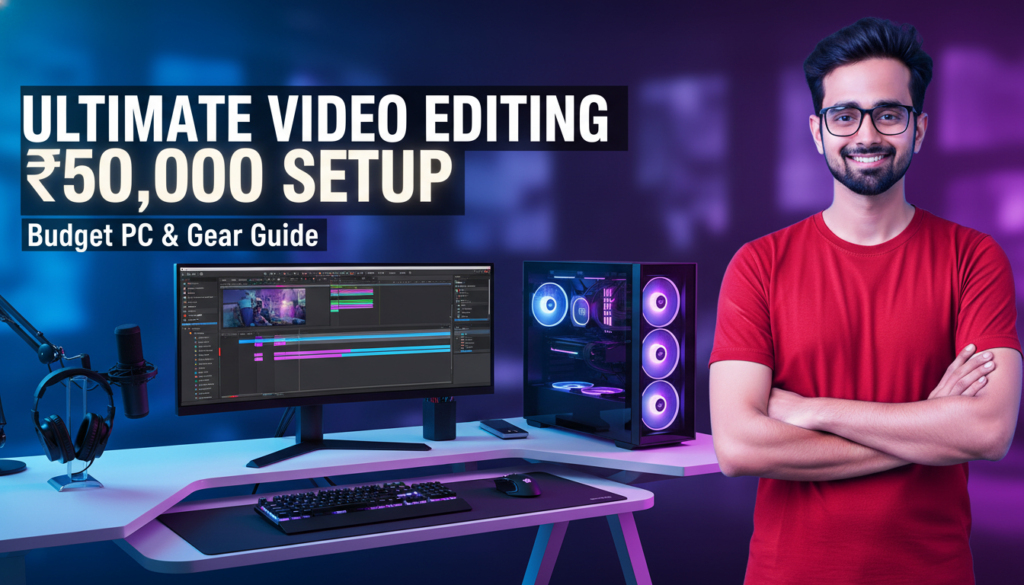
₹50,000 में
Video Editing Setup
कैसे बनाएं?
PC से लेकर monitor, microphone, और software तक — हर चीज़ की complete list। Beginners और YouTubers दोनों के लिए perfect।
क्या ₹50,000 में सच में editing setup बन सकता है?
यह सवाल हर beginner YouTuber और video editor के मन में आता है। जब आप बड़े creators के setup देखते हैं — ₹2-3 लाख के PC, ₹50,000 के monitors — तो लगता है कि editing शुरू करना बहुत महंगा है।
लेकिन सच यह है: ₹50,000 में एक solid, professional-quality editing setup बिल्कुल possible है। India में parts की कीमतें globally compare करें तो काफी competitive हैं। सही planning से आप 1080p editing smoothly कर सकते हैं, और basic 4K भी handle हो जाती है।
इस guide में हमने हर component को carefully research किया है — India के current prices के हिसाब से। हर option में आपको budget और recommended choice दोनों मिलेंगे।
₹50,000 कहाँ-कहाँ खर्च होंगे?
पहले एक overview — फिर हर component को detail में समझेंगे।
| Component | Item | Price (₹) |
|---|---|---|
| CPU + Motherboard | Ryzen 5 5600 + B450M | ₹12,000 |
| RAM | 16GB DDR4 3200MHz (2×8GB) | ₹5,000 |
| GPU | GTX 1660 Super 6GB | ₹12,000 |
| Storage | 512GB NVMe SSD + 1TB HDD | ₹3,500 |
| Monitor | 24″ FHD IPS Panel | ₹8,000 |
| Mic | USB Condenser Mic | ₹2,000 |
| Cabinet + PSU | Mid Tower + 600W PSU | ₹3,500 |
| KB + Mouse + Others | Basic Combo Set | ₹1,000 |
| 🏆 Total Budget | ~₹47,000 | |
₹3,000 का buffer बचाकर रखें — assembly, thermal paste, या future upgrade के लिए। Software (DaVinci Resolve) पूरी तरह FREE है।
Video editing में CPU सबसे important component है। यह timeline playback, export speed, और effects rendering — सब handle करता है। Budget में Ryzen 5 series best value देती है।
Intel vs AMD की बात करें — AMD Ryzen इस budget में ज्यादा cores देता है। ज्यादा cores = faster export।
Pro Tip: CPU+Motherboard combo खरीदें — अलग-अलग खरीदने से ₹500-1,000 ज्यादा लगते हैं। Local shops पर combo deals मिलती हैं।
Video editing में RAM बहुत crucial है। DaVinci Resolve और After Effects दोनों RAM-hungry हैं। 16GB minimum है, 32GB ideal। लेकिन budget में 16GB से शुरू करें और बाद में upgrade करें।
DDR4 3200MHz speed ले — यह Ryzen CPUs के साथ best performance देती है। Single stick की बजाय 2×8GB dual channel configuration लें।
8GB RAM avoid करें — After Effects तो बिल्कुल चलेगा नहीं। DaVinci Resolve भी बहुत slow होगा। 16GB minimum है।
अगर आप DaVinci Resolve use करते हैं — GPU सबसे important component है। Color grading, effects, और GPU-accelerated rendering सब GPU पर depend करता है। Minimum 4GB VRAM चाहिए, 6GB+ better।
NVIDIA cards CUDA support की वजह से After Effects में better perform करते हैं। AMD cards DaVinci Resolve में भी अच्छा करते हैं।
Budget Tip: Used/second-hand GPU market check करें। GTX 1660 Super used में ₹7,000–8,000 में मिलती है — same performance, less price।
✓ NVIDIA क्यों?
- CUDA — After Effects support
- DaVinci Resolve में fast
- Stable drivers
- Better software support
✗ क्या miss होगा?
- AMD से कम VRAM same price
- Ray tracing basic है
- Older architecture (GTX)
- Gaming में थोड़ा behind
Video files बहुत large होती हैं। HDD पर editing करने से software lag करता है, timeline jerky होती है। OS और software के लिए SSD जरूरी है। Media files HDD पर रख सकते हैं।
Ideal setup: 512GB NVMe SSD (OS + software + active projects) + 1TB HDD (old footage archive)।
Video editing के लिए monitor में IPS panel जरूरी है — accurate colors और wide viewing angles। TN panels में color shift होता है जो editing में problem करता है।
सबसे important: sRGB color coverage 90%+ होना चाहिए। Resolution 1920×1080 (Full HD) minimum — 2K बेहतर रहती है अगर budget allow करे।
Color Calibration: Monitor मिलने के बाद free software “DisplayCAL” से calibrate जरूर करें। इससे accurate color grading होती है।
अगर आप YouTube के लिए content बना रहे हैं, तो microphone एक investment है जो दिखती है। Bad audio से viewers drop-off rate बढ़ती है — चाहे video कितनी भी अच्छी हो।
Budget में USB condenser mic best choice है — no audio interface needed, direct PC में plug करो।
Headphones: Monitoring के लिए Sony MDR-7506 (₹5,000) या budget में Sennheiser HD 206 (₹2,000) अच्छा option है। Speakers की बजाय headphones से accurate audio editing होती है।
यह सबसे अच्छी खबर है। आपको editing software पर एक रुपया खर्च करने की जरूरत नहीं। DaVinci Resolve — Hollywood films में use होने वाला software — completely free है।
Adobe Premiere Pro और After Effects के लिए ₹1,600/माह subscription है। शुरू में DaVinci Resolve से start करें। जब income होने लगे तब Adobe सोचें।
Free Software Stack: DaVinci Resolve (editing) + Kdenlive (backup) + Audacity (audio) + GIMP (thumbnails) + OBS (screen record) — सब free, सब professional।
पैसे बचाने के 6 तरीके
Used GPU खरीदें
GTX 1660 Super used market में ₹7,000-8,000 में मिलती है। Same performance, 30% सस्ती।
CPU+Mobo Combo
Local computer shops पर CPU+Motherboard combo में ₹500-1,000 की saving होती है।
Sale Events use करें
Amazon/Flipkart के Big Billion Days, Great Indian Festival पर RAM और SSD 20-30% सस्ती होती है।
Monitor बाद में लें
पुराना TV use करें शुरू में। Monitor पर compromise न करें — एक अच्छा IPS monitor लें जब budget हो।
Free Software Use करें
DaVinci Resolve free है। Adobe subscription avoid करें — पैसे hardware में invest करें।
OLX / Facebook Marketplace
Second-hand components — monitor, cabinet, PSU — इन platforms पर काफी सस्ते मिलते हैं।
Upgrade Plan — Income बढ़ने पर क्या करें?
₹50,000 का setup 1-2 साल के लिए काफी है। जब YouTube income शुरू हो या freelancing clients मिलें, तो इस order में upgrade करें:
| Priority | Upgrade | Expected Cost | Benefit |
|---|---|---|---|
| 1st 🥇 | RAM 16GB → 32GB | ₹3,000–4,000 | 4K editing smooth होगी |
| 2nd 🥈 | RTX 3060 12GB GPU | ₹18,000–22,000 | GPU rendering 3x fast |
| 3rd 🥉 | 2K IPS Monitor | ₹12,000–15,000 | Better color accuracy |
| 4th | 1TB NVMe SSD | ₹5,000–6,000 | Faster project loading |
| 5th | Ryzen 9 + New Mobo | ₹25,000+ | 8K & complex timeline |
Smart Upgrade Strategy: पहले RAM बढ़ाओ — सबसे कम खर्च में सबसे ज्यादा performance gain। फिर GPU। Monitor और CPU सबसे बाद में।
हमारी Final Recommendation
₹50,000 में editing setup बनाना न सिर्फ possible है — यह smart decision है। इस budget में आप 1080p editing बिल्कुल smoothly कर सकते हैं, basic 4K भी handle होगी।
Ryzen 5 5600 + GTX 1660 Super + 16GB RAM combination — यह India में best budget editing combo है 2026 में। DaVinci Resolve free use करें और पैसे hardware में invest करें।
सबसे important बात: setup perfect होने का wait मत करो। आज जो है उससे शुरू करो। Skills से content बनता है, setup से नहीं।
Best Budget CPU
Best Budget GPU
Free & Powerful
अक्सर पूछे जाने वाले सवाल
🎓 Setup बन गया — अब सीखना शुरू करो!
DaVinci Resolve, After Effects, GeoLayers — सब Hindi में सीखो।
IFM Learn Academy पर Beginner से Professional तक का सफर।
Video Editing & AI Skills सीखो —
Professional Level पर!
Real projects, Hindi में, हिंदुस्तान के best instructors से। अभी enroll करो और अपना career बदलो।
सभी courses देखने के लिए — IFM Learn Academy visit करें
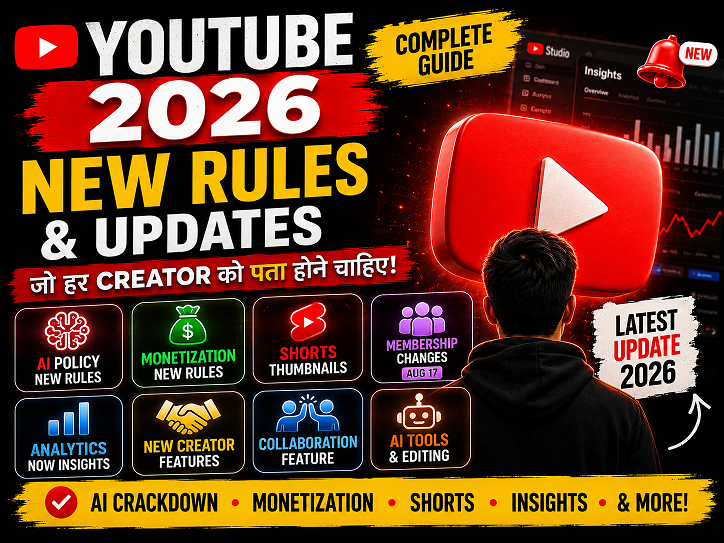
सभी Courses देखें — ifmlearn.inYouTube New Rules & Updates 2026: All Changes Every Creator Should Know

YouTube New Update 2026: सभी नए बदलाव जो Creator को जानने चाहिए | Hindi Guide YouTube 🚨 Creator Alert ⚡ August 2026 ✅ Hindi Guide 🔴 LIVE — August 17 से बड़ा बदलाव! YouTube 2026 के सभीनए Rules & Updatesजो Creator को पता होने चाहिए AI crackdown, monetization rules, Shorts thumbnail, Analytics → Insights, membership…
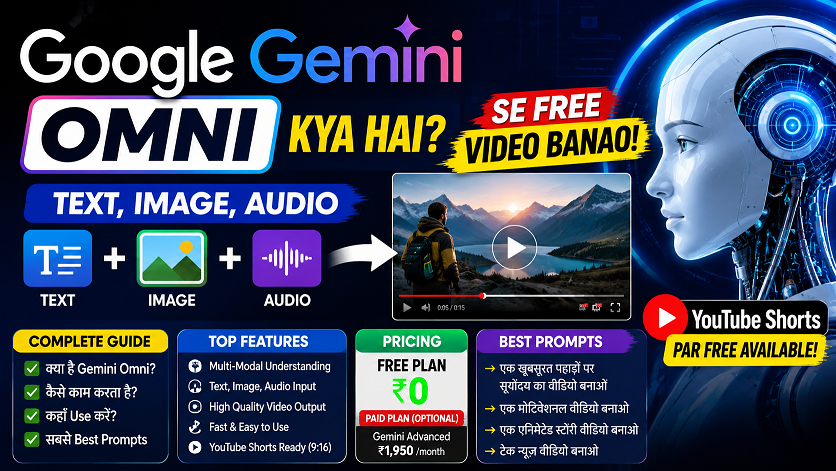
Google Gemini Omni —अब हर चीज़ से Video बनाओ!

Google Gemini Omni क्या है? AI से Video बनाओ Free में! | Complete Guide 2026 🚀 Google I/O 2026 ✅ Live Now 🔥 Trending 🟢 Live — May 19, 2026 Launch हुआ Google Gemini Omni —अब हर चीज़ से Video बनाओ! Photo डालो, text लिखो, audio दो — Gemini Omni सब कुछ से video बना…
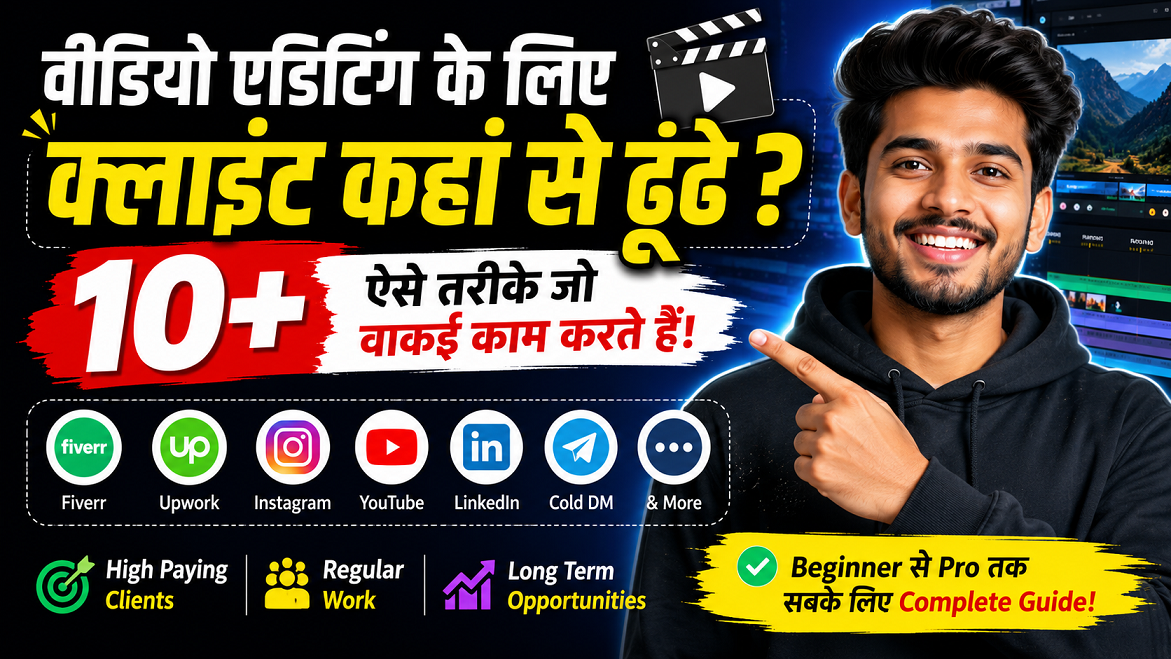
वीडियो एडिटिंग के लिए क्लाइंट कहां से ढूंढे?🎬 10+ ऐसे तरीके जो वाकई काम करते हैं

वीडियो एडिटिंग के लिए क्लाइंट कहां से ढूंढे? | 10+ असरदार तरीके जो वाकई काम करते हैं प्रो गाइड 2025 वीडियो एडिटिंग के लिए क्लाइंट कहां से ढूंढे? 🎬 10+ ऐसे तरीके जो वाकई काम करते हैं प्रो. विक्रम सिंह (वीडियो एडिटिंग कोच) 11 मई 2026 · अपडेटेड 8 मिनट रीड 📌 सच्चाई: वीडियो एडिटिंग…
YouTube New Rules & Updates 2026: All Changes Every Creator Should Know
YouTube New Update 2026: सभी नए बदलाव जो Creator को जानने चाहिए | Hindi Guide …

Google Gemini Omni —अब हर चीज़ से Video बनाओ!
Google Gemini Omni क्या है? AI से Video बनाओ Free में! | Complete Guide 2026 …
वीडियो एडिटिंग के लिए क्लाइंट कहां से ढूंढे?🎬 10+ ऐसे तरीके जो वाकई काम करते हैं
वीडियो एडिटिंग के लिए क्लाइंट कहां से ढूंढे? | 10+ असरदार तरीके जो वाकई काम करते हैं …
ChatGPT April 2026 Update: GPT-5.5 Launch, Images 2.0, File Library — पूरी जानकारी हिंदी में
ChatGPT April 2026 Update: GPT-5.5, Images 2.0, File Library, Codex — पूरी जानकारी हिंदी में …
After Effects 26.0 January 2026 Update: नई Features का Complete Guide | AE Review
After Effects 26.0 January 2026 Update: नई Features का Complete Guide | AE Review …
5 Best Gaming Headphones Under ₹5000 India 2026 🎧 | Gaming + Video Editing Review Hindi
5 Best Gaming & Video Editing Headphones Under ₹5000 India 2026 | Honest Review …