

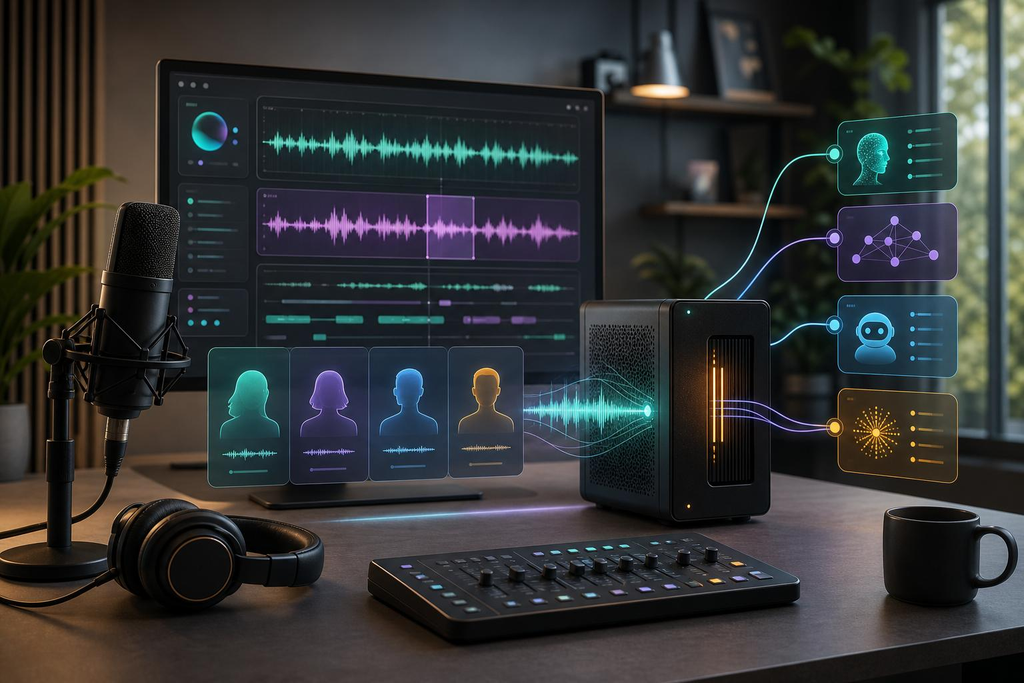
VoiceStudio Review: A Free AI Voice Generator That Runs on Your Own Computer
Clone voices, generate speech, dub videos and transcribe audio without paying a monthly cloud subscription.
Quick answer: VoiceStudio is a free, open-source (AGPL-3.0) desktop app by Palash Debnath and contributors. It combines voice cloning, text-to-speech, voice design, video dubbing and transcription in one place, and it can run offline on your own device. The app is free, but the AI models are downloaded separately and some carry non-commercial licenses.
What is VoiceStudio?
If you are hunting for a free AI voice generator, most results push you toward cloud tools with credit limits and monthly plans. VoiceStudio takes a different route. It is a fully local AI voice studio, so cloning, text-to-speech, dubbing and transcription happen through one interface on your own machine instead of across several websites.
That gives you more control over your recordings, your models and your workflow. Its major capabilities include:
- AI voice cloning and custom voice design
- Text-to-speech (TTS) generation
- Video translation and dubbing
- Speech-to-text transcription and floating dictation
- Audiobook and story narration with batch queues
- Local model management, a local API and MCP integration
Main features of VoiceStudio
AI voice cloning
Give VoiceStudio a clean audio sample, choose a voice engine, enter your script and generate speech that resembles the reference voice. It suits documentary narration, voiceovers, educational content, audiobooks and character work. Quality depends on the engine, the model, your reference recording and your hardware. Always get permission before cloning another person’s voice.
AI voice design
No reference recording? Describe the voice in text instead, such as a deep male documentary narrator, a calm audiobook narrator or a British-accented cinematic voice. The selected engine builds a synthetic voice from your description, which helps when different videos need different narration styles.
Video dubbing and translation
VoiceStudio can translate and dub videos while trying to keep the original speech timing, with multi-speaker dubbing workflows. A typical use is turning an English video into Hindi, or localizing educational and documentary content for new audiences. Results depend on the engine and the source audio.
Text-to-speech
Enter your text, pick a voice and engine, adjust the available settings and export the audio. It works for YouTube videos, Reels and Shorts, tutorials, e-learning courses, product explainers and audiobooks.
Speech-to-text and dictation
Transcribe podcasts, interviews, lectures, meetings and YouTube footage. The floating dictation workflow lets you speak notes or draft scripts without typing everything out.
Audiobooks and batch narration
Queue long narration jobs and manage them in batches, which helps authors, educators and creators who produce long-form audio regularly.
Local model manager
The default engine is powered by k2-fsa/OmniVoice, and the Model Manager gives you access to more engines. You download only the models you need, which keeps disk usage under control.
Supported AI engines
VoiceStudio is not tied to one model. Its catalogue covers several speech-generation and transcription technologies.
| Engine | Main purpose |
|---|---|
| OmniVoice | Voice generation (default) |
| CosyVoice 3 | AI speech generation |
| KittenTTS | Lightweight TTS |
| MLX-Audio | Apple Silicon audio workflows |
| VoxCPM2 | Speech generation |
| MOSS-TTS-Nano | Text-to-speech |
| GPT-SoVITS | Voice cloning and generation |
| IndexTTS 2.5 | AI speech generation |
| PocketTTS | Lightweight speech generation |
| Supertonic 3 | Text-to-speech |
Transcription engines include WhisperX, Faster-Whisper, MLX Whisper, PyTorch Whisper, Parakeet TDT, Moonshine, FunASR and sherpa-onnx. Availability depends on installed models, hardware and configuration.
Is VoiceStudio really free?
Yes, the open-source desktop app is free under the AGPL-3.0 license, and its local workflows do not need a paid cloud account. Keep these points in mind:
- AI models may need to be downloaded separately.
- The app license and each model license are different things.
- Some models restrict commercial use. The OmniVoice pretrained model, for example, has non-commercial restrictions.
- VoiceStudio Pro is a separate paid offering.
Does VoiceStudio work offline?
Mostly, yes. First-time setup needs internet to download the app, the runtime, your AI models and updates. Once those are installed, supported local workflows run without a connection. That is useful if you handle private recordings or simply want your audio to stay on your own computer.
VoiceStudio system requirements
| Platform | Status |
|---|---|
| Windows 10/11 (x64) | Stable |
| macOS (Apple Silicon) | Stable |
| Linux (x64) | Stable |
| Docker | Stable |
| Android 10+ | Preview |
| iPhone/iPad (iOS 17+) | Preview |
| Windows ARM | Experimental |
| Intel Mac | Limited |
Windows hardware: about 10 GB of free storage for the app, environment and model weights, and 8 GB of RAM as a reasonable starting point. An NVIDIA GPU is recommended for CUDA acceleration but optional. On a CPU-only PC, choose lightweight engines like KittenTTS, Supertonic-3 or PocketTTS. Individual models can need much more RAM, storage and processing power.
How to download and install VoiceStudio
On Windows
- Open the official repository: github.com/debpalash/VoiceStudio.
- Go to the latest release page.
- Download
VoiceStudio-<version>-win-x64.exefor standard Intel and AMD 64-bit PCs. An ARM64 installer exists for experimental use. - Run the installer and follow the wizard. It can install for the current user without administrator rights, and you don’t need to install Python or FFmpeg yourself.
- Open VoiceStudio and let it set up its runtime, then pick the models and engines you want.
- Open the Voice Cloning workspace, choose a voice or add a clean reference recording, type your text and click Generate.
Prefer the command line? Use the official PowerShell command:
irm https://voicestudio.sh/install.ps1 | iexOn macOS and Linux
Run the official install script in Terminal, or download an installer from the GitHub Releases page. Linux also offers AppImage and DEB packages.
curl -fsSL https://voicestudio.sh/install | shApple Silicon Macs get Metal acceleration through MPS. Intel Mac support is limited and uses the app interface with a remote backend.
How creators can use VoiceStudio for YouTube
- Documentary voiceovers: write the script, choose a voice and generate narration for storytelling, history, business or education videos.
- Multilingual content: the project advertises support across 646 languages, but real availability and quality vary by engine and task.
- Dubbing: produce dubbed versions of existing videos to reach viewers in other regions.
- Audiobooks: turn long written content into narrated audio with batch jobs.
- Transcription for editors: convert interviews and client recordings to text to speed up subtitles and edits.
- Automation: the local API and MCP integration let supported AI agents and apps trigger voice generation and transcription.
Want to turn that audio into polished videos? Explore our video editing and AI tools courses at IFM Learn Academy.
VoiceStudio vs ElevenLabs
| Feature | VoiceStudio OSS | ElevenLabs |
|---|---|---|
| Approach | Local AI application | Cloud-based service |
| Voice cloning | Yes | Yes |
| Voice design | Yes | Yes |
| Text-to-speech | Yes | Yes |
| Video dubbing | Yes | Yes |
| Transcription | Yes | Yes |
| Internet | Setup and model downloads only | Cloud access needed |
| Pricing | Free open-source app | Free tier and paid plans |
Choose VoiceStudio if you want local processing, open-source software, model flexibility and control over your audio files. Choose ElevenLabs if you prefer a hosted service. Neither wins for everyone, because voice quality, languages, speed and commercial permissions depend on the model and plan you use.
Pros and cons
Pros
- Free, open-source desktop app
- Local voice-generation workflows
- Multiple speech engines
- Cloning, voice design, dubbing and transcription
- Batch narration and audiobooks
- Windows, macOS and Linux support
- Local API and MCP integration
Cons
- Setup and model downloads need storage and internet
- Some models need powerful hardware
- CPU-only generation is slower
- Model installation can confuse beginners
- Language quality varies by engine
- Commercial use needs per-model license checks
- Mobile versions are still in preview
Is VoiceStudio worth using?
For YouTubers, editors, developers and audio creators, yes. Its biggest strength is bringing voice cloning, generation, dubbing and transcription into one local-first app, so you stop juggling separate tools and subscriptions. Just don’t expect every engine to sound the same: the final result depends on the model, reference audio, hardware and settings. If you want a free AI voice generator with more control over your files, it is well worth a test run.
Frequently asked questions
Is VoiceStudio completely free?
The core app is free and open source under AGPL-3.0. Some AI models carry their own licenses, and VoiceStudio Pro is a separate paid offering.
Can I use VoiceStudio without a GPU?
Yes. It runs on CPU, though generation is slower. Lightweight engines such as KittenTTS, Supertonic-3 and PocketTTS suit CPU-only computers.
Does VoiceStudio support Hindi?
Hindi support depends on the speech or transcription engine you choose. Check the language list of each model before you commit to a project.
Can VoiceStudio clone my own voice?
Yes. Provide a clean reference recording, pick a supported voice-cloning engine and generate speech from your script.
Does VoiceStudio work offline?
Yes, after you install the app, runtime and models. First-time setup needs internet for downloads.
Can I use VoiceStudio audio on monetized YouTube videos?
The app license allows commercial use under its terms, but individual models can restrict it. For example, the OmniVoice pretrained model has non-commercial restrictions. Check the license of the model you use.
Is VoiceStudio better than ElevenLabs?
It depends. VoiceStudio offers local processing and open-source flexibility. ElevenLabs offers a hosted cloud workflow. Quality varies by model and plan.
Try VoiceStudio for free
Download the latest release from the official GitHub repository and generate your first AI voice today.
Download VoiceStudio
VoiceStudio: Free AI Voice Cloning & Video Dubbing Software
Free AI Voice Generator & Cloning Tool: VoiceStudio ReviewIndian Fun MediaVoiceStudio Review: A Free AI Voice Generator That Runs on...


YouTube New Rules & Updates 2026: All Changes Every Creator Should Know
YouTube New Update 2026: सभी नए बदलाव जो Creator को जानने चाहिए | Hindi Guide ...
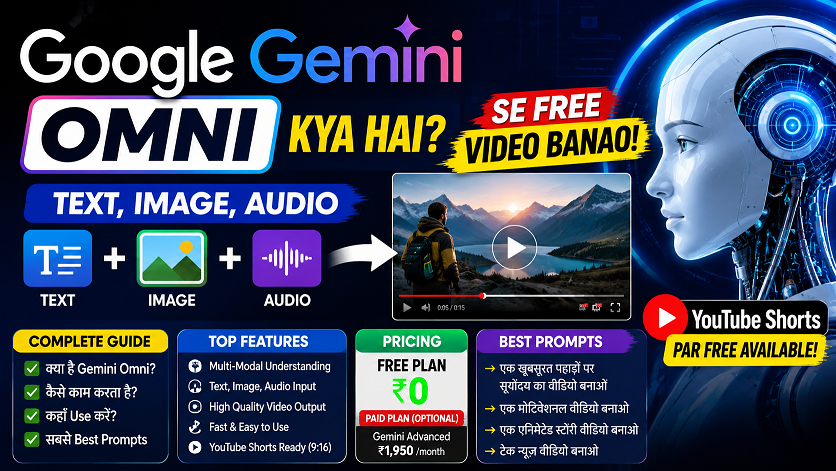
Google Gemini Omni —अब हर चीज़ से Video बनाओ!
Google Gemini Omni क्या है? AI से Video बनाओ Free में! | Complete Guide 2026 ...

वीडियो एडिटिंग के लिए क्लाइंट कहां से ढूंढे?🎬 10+ ऐसे तरीके जो वाकई काम करते हैं
वीडियो एडिटिंग के लिए क्लाइंट कहां से ढूंढे? | 10+ असरदार तरीके जो वाकई काम करते हैं ...
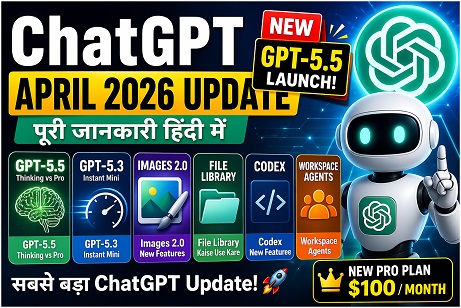
ChatGPT April 2026 Update: GPT-5.5 Launch, Images 2.0, File Library — पूरी जानकारी हिंदी में
ChatGPT April 2026 Update: GPT-5.5, Images 2.0, File Library, Codex — पूरी जानकारी हिंदी में ...
After Effects 26.0 January 2026 Update: नई Features का Complete Guide | AE Review
After Effects 26.0 January 2026 Update: नई Features का Complete Guide | AE Review ...